Mobile Apps
iOS App Development Company in Dubai & Saudi Arabia
Native iPhone and iPad apps written in Swift — built to pass App Review, survive a real network, and stay maintainable after the launch team has moved on.
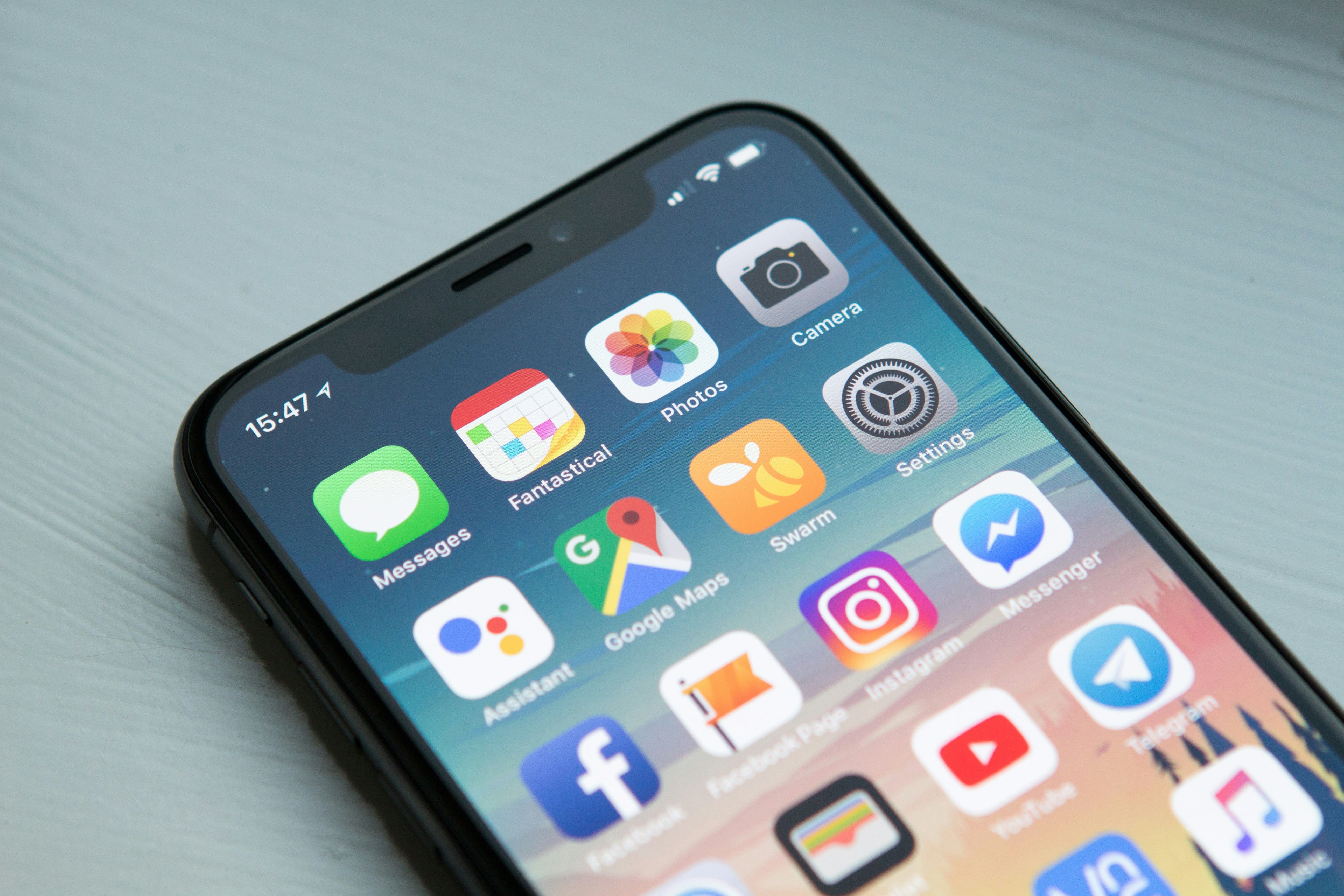
A native iOS app is code compiled against Apple's own frameworks and shipped through the App Store. That buys you things a cross-platform layer cannot fully reach: the newest system APIs on the day they land, the Secure Enclave and Face ID, background processing that iOS actually honours, and a scroll that feels like the rest of the phone because it is the rest of the phone. The cost is worth stating up front — you are maintaining one codebase per platform.
We build iOS in Swift, using SwiftUI for new interface work and UIKit where a screen needs control SwiftUI does not yet give cleanly. The interesting decisions are rarely about which UI framework — they are about how the app behaves when the API is slow, when the user is in a lift with no signal, and when the token expires mid-session.
In the Gulf, iOS matters more than global market-share figures suggest: for many of our clients the iOS build carries most of the revenue even when Android carries more installs. With a limited budget, that asymmetry is usually the argument.
An honest trade-off: native iOS is not automatically the right answer. If your app is largely forms, lists and API calls and you need Android on the same timeline, Flutter or React Native will usually get you there faster and cheaper. Native earns its cost when you are deep in device hardware, or when performance is the product. We will tell you which case you are in before you commit a budget.
What we do
The work that actually makes up an iOS engagement, rather than a feature list.
Native iPhone apps in Swift
Greenfield iOS apps with a clear separation between views, state and networking, so a feature can change without a rewrite. Concurrency via async/await, not nested callbacks.
SwiftUI and UIKit interfaces
SwiftUI for most new screens; UIKit where you need fine control over collection views, gestures or camera surfaces. Dynamic Type, Dark Mode and VoiceOver as standard. See our UI/UX design.
iPad, Watch and widgets
iPadOS layouts that use the extra space rather than stretching the phone UI, plus watchOS companions, widgets, Live Activities and App Intents where they earn their maintenance cost.
Backend, APIs and offline sync
Most iOS problems are really API problems. We design or review the contract — pagination, error shapes, versioning, auth refresh — and build the server side if needed. Plus Core Data persistence and a write queue that replays when connectivity returns, which is what logistics apps live or die on.
Security and privacy
Keychain for credentials, Face ID via LocalAuthentication, certificate pinning where the threat model warrants it, and an accurate privacy manifest — inaccurate ones get apps rejected.
Performance, testing and monitoring
Launch time, scroll hitches and energy drain profiled in Instruments on real devices. XCUITest on the paths that cost money if they break, and crash monitoring so a bad release shows up in hours, not in reviews.
App Store release engineering
Certificates, provisioning, TestFlight, phased release and rollback. CI set up so a build is one commit away from testers, and we handle App Review correspondence when a submission is queried.
The stack we build on
Swift and the Apple SDKs on the device; whatever the product needs behind it.
Swift

iOS & iPadOS

watchOS

Figma

Node.js

.NET

AWS

Azure
Native Swift, Flutter or React Native?
This is the first real decision, and it is easier to get right at the start than to unwind at month six. There is no universally correct answer — only an answer for your app, team and budget. Roughly how we reason about it:
| Consideration | Native Swift | Flutter | React Native |
|---|---|---|---|
| Cost for iOS + Android | Highest — two codebases, two teams | One codebase, one team | One codebase, one team |
| Day-one support for new iOS APIs | Immediate | Waits on plugin support | Waits on library support |
| Deep hardware use (camera, BLE, sensors, Secure Enclave) | Direct and unrestricted | Usually needs a native bridge | Usually needs a native bridge |
| Feel on iOS | Indistinguishable — it is the platform | Very close; details can drift | Close; depends on component choice |
| Binary size and launch time | Smallest | Larger runtime | Larger runtime |
| Best fit | Hardware-led, performance-led, iOS-first products | Content and transaction apps needing both platforms fast | Teams with existing React and web code to share |
In practice a good number of our clients ship a native iOS app and an Android app rather than one cross-platform build. Others start iOS-only, validate demand, then decide. Both are defensible; picking by fashion is not.
What we build beyond the screens
The visible app is maybe half the engagement. The parts that decide whether it is still healthy a year later:
- Authentication that survives contact with users. Sign in with Apple is effectively mandatory if you offer any other social login. Token refresh must work silently, and expiry must not dump someone to a login screen mid-task.
- Push that is worth receiving. APNs wired to real events, with permission asked at a moment the user understands — not on first launch, the fastest way to lose it permanently.
- Payments in the right lane. Digital goods and subscriptions go through StoreKit and Apple's commission; physical goods and services use a normal gateway. Getting this wrong is a guaranteed rejection.
- A path to update. Feature flags and a kill switch, because App Review sits between you and any fix.
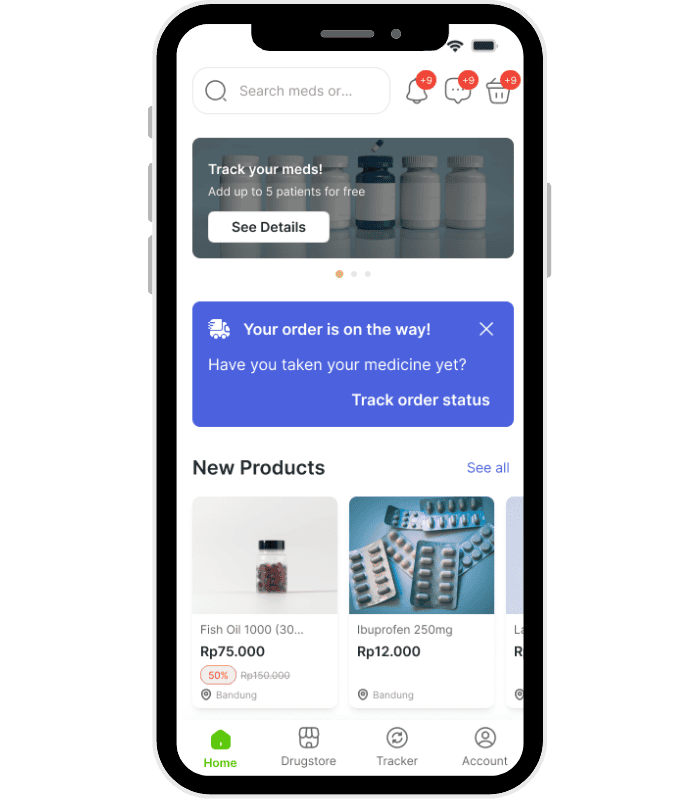
We have delivered mobile work across a fair spread of sectors — FameKeeda in the influencer space, HiCare in e-commerce, Energy Central as a news product, OneTuch across logistics and medical emergency, ClueMaster driving IoT escape-room hardware, and a food ordering app. The recurring lesson is that the hard part is rarely the UI — it is state, sync and the API contract. See our work.
What is different about iOS in the UAE, Saudi Arabia and India
Most iOS advice online quietly assumes a US context. Some of it does not transfer.
- Arabic and right-to-left is a requirement, not an afterthought. iOS handles RTL well if you build for it — layout margins, SF Arabic, mirrored icons, mixed Arabic-English strings, Arabic-Indic numerals. Retrofitting RTL into a hard-coded left-to-right layout is expensive; designing for it from the first screen costs almost nothing.
- Payments are regional. Apple Pay is well established in the UAE and Saudi Arabia, and in KSA the mada network matters for cards; in India, UPI dominates. Where your users are decides the integration, not the default tutorial.
- Tax and invoicing reach into the app. UAE VAT and Saudi ZATCA e-invoicing affect anything that issues a receipt. If your app fronts an ERP, the compliance work lives in the backend — but the app must display the right artefacts.
- Data residency comes up early. Regulated sectors, particularly healthcare and fintech, ask where data is stored before they ask about features. That is an architecture decision, cheaper before you build than after.
We work across Dubai and the UAE and Riyadh and Jeddah, with delivery from Bangalore — a same-day feedback loop rather than a next-morning one.
How we deliver
Discovery
What the app must do, who it is for, and whether native is the right call at all. Output is a scope you can argue with, not a proposal you have to trust.
Architecture & scope
Module structure, state management, the API contract, offline strategy and auth model — agreed and written down. Plus the deployment target, which silently governs which APIs you may use.
Build & validate
Short iterations with a TestFlight build you can install. Tests on the paths that matter, profiling on real devices, RTL and accessibility checked as we go rather than at the end.
Launch & support
Store listing, screenshots, review submission, phased rollout, then crash and performance monitoring. Plus the yearly iOS release — not optional maintenance, but a standing commitment.
Why Inovsion
We tell you when not to go native
A native build is a bigger invoice for us and sometimes the wrong answer for you. We would rather scope you into Flutter than sell a codebase you cannot afford to maintain.
We build the whole stack
The app, the API, the cloud infrastructure and the ERP or CRM behind it. That matters when the bug is in the seam between two of them, which is where bugs usually are.
Gulf context, delivered from India
Arabic, VAT, ZATCA and regional payment rails are recurring requirements for us, not novelties. Reachable on UAE hours; engineering in Bangalore.
Frequently asked questions
How long does a native iOS app take to build?
It depends almost entirely on scope, and anyone quoting a number before seeing yours is guessing. The timeline is usually driven by the backend and the integrations, not by the iOS screens: a well-defined app with a stable existing API moves quickly; the same app with an API still being designed does not. We give a range after discovery, with the assumptions written next to it.
Do we need an Android app as well?
Eventually, usually — but not necessarily on day one. If iOS carries most of your revenue, launching iOS-first validates the product before you double the build cost. If both are required from the start and the app is not hardware-heavy, a single Flutter codebase is often the better economics.
Can you take over an existing iOS app?
Yes, and it is a common ask. We start with a read-only audit — architecture, dependency health, test coverage, crash rate, and whether the certificates and App Store Connect access are actually in your name. That last one causes more grief than any technical finding.
Will Apple reject our app?
Most rejections we see are predictable: payments routed around StoreKit for digital goods, a privacy label that does not match what the app collects, missing account deletion, broken demo credentials, or a crash on the reviewer's first screen. We check these before submission. Review outcomes are Apple's call, so we will not promise approval — but we handle the correspondence and resubmission.
Who owns the code and the App Store account?
You do. The app ships under your Apple Developer account, and the repository and signing assets are yours. Anything else makes you dependent on your agency to ship, which is not a position we want you in.
Thinking about an iOS app?
Tell us what it has to do and who uses it. We will tell you whether native Swift is the right call, what it would take, and where the risks are — before anyone talks about a contract.
[email protected] · UAE / WhatsApp +971-506268535 · India +91 9845870246